(This page includes affiliate links. If you click and purchase, I receive a small commission at no extra cost from you and that way you can support me. I only recommend tools that I have personally used and loved.)
Tutorial Video:
Introduction – Interactive Cursor with easy customization
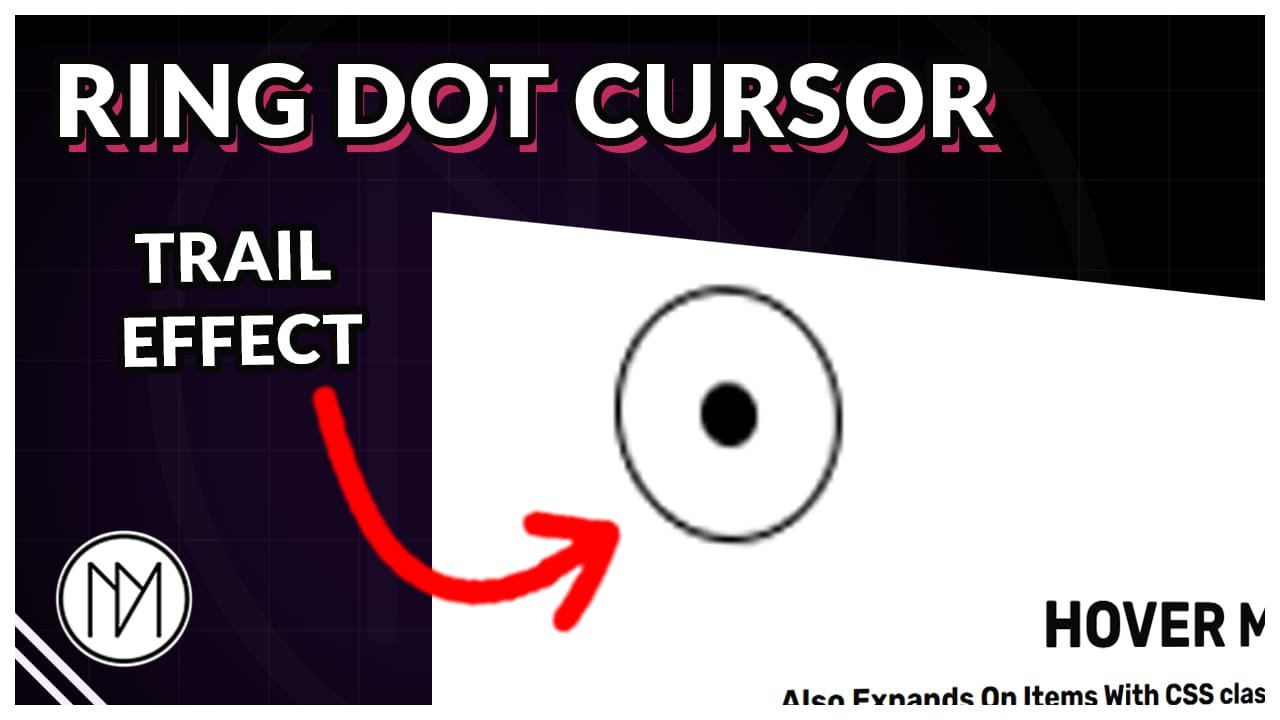
In this tutorial, we will replace our standard cursor with a dot and ring. You can remove the ring if you want. Both dot and rings are highly customizable and we can also make it expand on hover.
Interactive Fancy Cursor Code
- All we need for this effect is 2 div/containers. One would be our middle dot and second would be our ring. Make sure both containers/div are separate and not in each other.
- dm-cursor-1 is the CSS class of the middle dot container.
- dm-cursor-ring-1 is the CSS class of the ring container. You can hide this container if you don’t want to show it, still make sure to add it as the code tries to find the ring container.
- The cursor expands if you hover on link (a) and also on elements with CSS class dm-cursor-expand. At line 112, you can remove “a” if you don’t want to expand on links.
- At line 100 and 107 we add a delay of 100ms and 150ms which basically makes the cursor follow with a bit of delay. You can make them 0 to make it follow instantly. You can also make them same value so both move together.
- At line 34, I have added mix blend mode as difference. This makes the white cursor look different colors based on the background. You can remove it to make the color be same.
- From line 59, we can control how it should look on hover
					<style>

    /*Hide Original Cursor*/
    /*Remove html* and body* if you want to show your cursor on hover*/

    /*Watch Explanation in tutorial video*/

    html,
    body,
    html *,
    body * {
        cursor: none !important;
    }


    .dm-cursor-1 {

        position: fixed;

        /*Size*/
        width:10px;
        height:10px;

        transform: translate(-50%, -50%);
        transition: none !important;

        /*transition Speed*/
        transition: height 0.2s ease, width 0.2s ease !important;

        pointer-events: none !important;
        z-index: 999;

        /*Optional blending effect*/
       mix-blend-mode: difference;


    }

    .dm-cursor-ring-1 {

        position: fixed;

        /*Size*/
        width:40px;
        height:40px;

        transform: translate(-50%, -50%);
        transition: none !important;

        /*transition Speed*/
        transition: height 0.2s ease, width 0.2s ease !important;


        pointer-events: none !important;
        z-index: 999;

    }

    /* Hover Effects*/

    .dm-cursor-1.active

    {

        transition: height 0.2s ease, width 0.2s ease !important;
        width:40px;
        height:40px;

    }

    .dm-cursor-ring-1.active

    {

        transition: height 0.2s ease, width 0.2s ease !important;
        width:40px;
        height:40px;

    }


</style>

<script>

document.addEventListener("DOMContentLoaded", (event) => {

    const dmCursor1 = document.querySelector('.dm-cursor-1');
    const dmCursorRing1 = document.querySelector('.dm-cursor-ring-1');

    //Circle Follows Mouse with 100ms delay
    document.addEventListener('mousemove', e => {

      setTimeout(() => {

      dmCursor1.style.top = e.clientY + 'px';
      dmCursor1.style.left = e.clientX + 'px';

      },100); //0ms if no delay needed

      setTimeout(() => {

      dmCursorRing1.style.top = e.clientY + 'px';
      dmCursorRing1.style.left = e.clientX + 'px';

      },150); //0ms if no delay needed

    });

    // Scale cursor on links and .dm-cursor-expand elements
    document.querySelectorAll('a, .dm-cursor-expand').forEach(element => {

        element.addEventListener('mouseenter', () => {
            dmCursor1.classList.add('active');
            dmCursorRing1.classList.add('active');

        });

        element.addEventListener('mouseleave', () => {
            dmCursor1.classList.remove('active');
            dmCursorRing1.classList.remove('active');
        });

    });

});

</script>