
(This page includes affiliate links. If you click and purchase, I receive a small commission at no extra cost from you and that way you can support me. I only recommend tools that I have personally used and loved.)
Tutorial Video:
Introduction – Image Trail that spawns images on your cursor
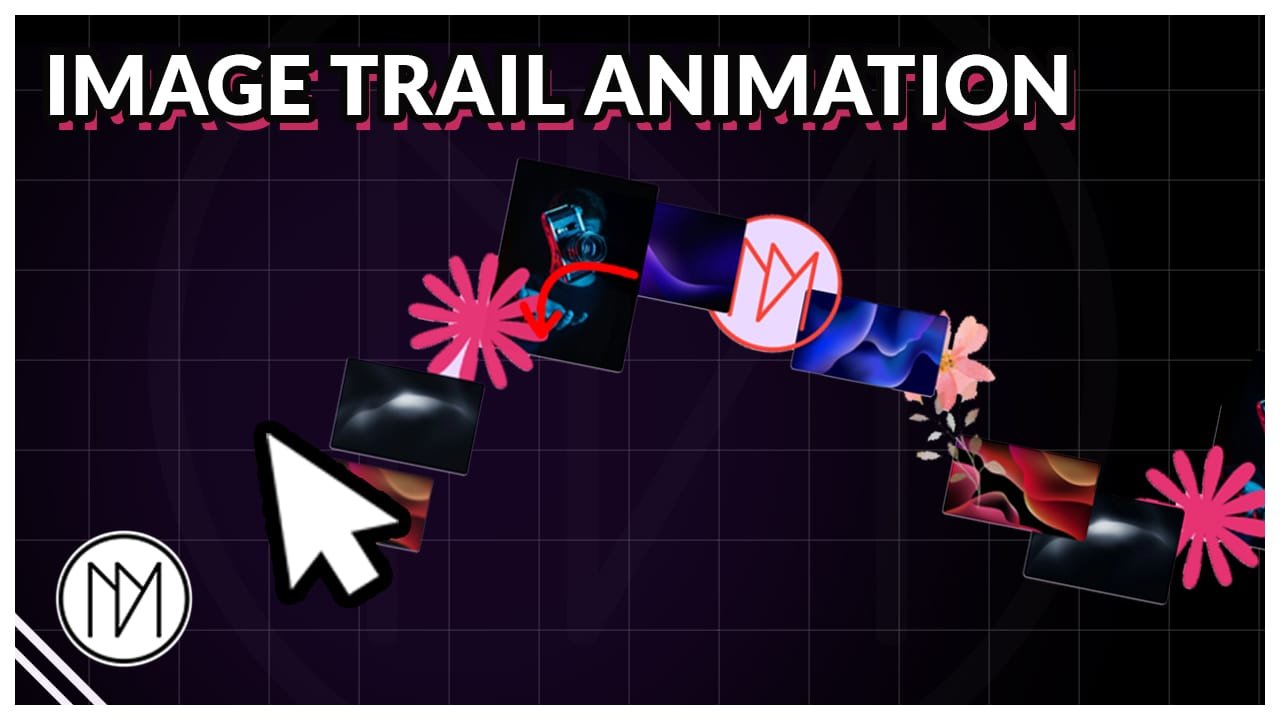
In this tutorial, we will spawn images as our cursor moves giving a nice trail effect.
Image Trail On Cursor Movement
Image Trail Code
- dm-image-cursor-wrapper is the CSS class of the main container/div.
- cursor-images is the CSS class of container/div that is inside our main container. This container automatically takes the size of main container and is responsible for checking mouse movement and spawning images.
- cursor-image is the CSS class that is automatically added to the images that are spawned when we move our cursor.
- Line 64 is where we add URL of all the images that need to be spawned.
- Line 83, spawnDistance is responsible for the distance between each image created.
					<style>

.dm-image-cursor-wrapper {

  overflow: hidden;

}

.cursor-images {
  position: absolute;
  inset: 0;
  pointer-events: none;
}

.cursor-image {
  position: absolute;
  width: 150px;
  height: 150px;
  object-fit: cover;
  pointer-events: none;

  /*Border radius - 10px below*/
  clip-path: inset(0 0 0 0 round 5px);


  transform: translate(-50%, -50%) scale(0);
  animation: cursorImage 1.5s cubic-bezier(.2,.8,.2,1) forwards;

}

@keyframes cursorImage {
  0% {
    transform: translate(-50%, -50%) scale(0);
    filter:blur(20px);
    opacity: 0;
  }

  50% {
    transform: translate(-50%, -50%) scale(1);
    filter:blur(0px);
    opacity: 1;
  }

  70% {
    transform: translate(-50%, -50%) scale(1);
    filter:blur(0px);
    opacity: 1;
  }

  100% {
    transform: translate(-50%, -50%) scale(0);
    filter:blur(20px);
    opacity: 0;
  }
}

</style>

<script>

    const wrapper = document.querySelector('.dm-image-cursor-wrapper');
const imageContainer = wrapper.querySelector('.cursor-images');

const images = [
"https://dmmotionarts.com/wp-content/uploads/2025/04/DMmotionarts-Logo-orange.png",
"https://dmmotionarts.com/wp-content/uploads/2025/05/milad-fakurian-seA-FPPXL-M-unsplash.jpg",
"https://dmmotionarts.com/wp-content/uploads/2025/02/julius-drost-dS-q7-zkD9c-unsplash.jpg",
"https://dmmotionarts.com/wp-content/uploads/2024/04/tiny-flower-shape.png",
"https://dmmotionarts.com/wp-content/uploads/2025/05/milad-fakurian-t55GeRpETn0-unsplash.jpg",
"https://dmmotionarts.com/wp-content/uploads/2025/05/richard-horvath-is8jWT-mvng-unsplash.jpg",
"https://dmmotionarts.com/wp-content/uploads/2024/10/wedding-event-1-page-website-template-flower-combine.png",
"https://dmmotionarts.com/wp-content/uploads/2025/05/richard-horvath-_nWaeTF6qo0-unsplash.jpg"


];


let imageIndex = 0;
let lastX = 0;
let lastY = 0;

const spawnDistance = 100;

wrapper.addEventListener('mousemove', (e) => {
  const rect = wrapper.getBoundingClientRect();

  const x = e.clientX - rect.left;
  const y = e.clientY - rect.top;

  const distance = Math.hypot(
    x - lastX,
    y - lastY
  );

  if (distance < spawnDistance) return;

  lastX = x;
  lastY = y;

  spawnImage(x, y);
});

function spawnImage(x, y) {
  const img = document.createElement('img');

  img.src = images[imageIndex];

  imageIndex = (imageIndex + 1) % images.length;

  img.classList.add('cursor-image');

  img.style.left = `${x}px`;
  img.style.top = `${y}px`;

  imageContainer.appendChild(img);

  img.addEventListener('animationend', () => {
    img.remove();
  });
}

</script>