(This page includes affiliate links. If you click and purchase, I receive a small commission at no extra cost from you and that way you can support me. I only recommend tools that I have personally used and loved.)
Tutorial Video:
Introduction – Magnetic Hover Effect in Elementor
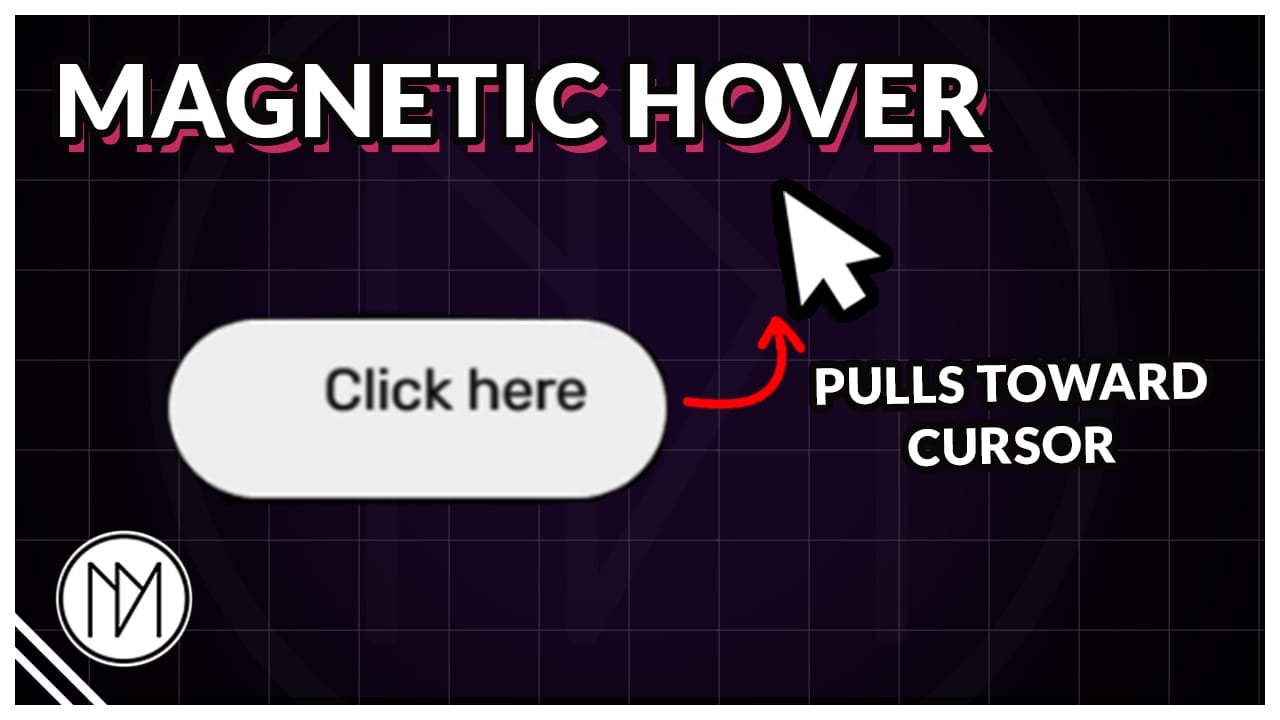
In this tutorial, we will make our elements like buttons, containers etc. into magnetic pull effect when we hover on them.
Based on the code found here in codepen – https://codepen.io/avathiery/pen/QwGyVdZ
I converted above code to work on multiple elements and elementor buttons.

Magentic Pull Code
- dm-magnetic-item is the CSS class of the elements that can be pulled.
- elementor-button-text is the CSS class that elementor gives it buttons text. You can try adding this CSS class to text inside your dm-magnetic-item but it could lead to styling issues. So test it first.
					<style>

    .dm-magnetic-item {
        transition: transform 0.4s cubic-bezier(0.23, 1, 0.32, 1);
    }

</style>

<script>

document.addEventListener("DOMContentLoaded", () => {

    const dmMagneticItems = document.querySelectorAll('.dm-magnetic-item');

    // Magnetic strength
    const strength = 0.4;

    // Distance from the EDGE of the item at which
    // the magnetic effect activates
    const radius = 50;


    document.addEventListener('mousemove', (e) => {

        dmMagneticItems.forEach((dmMagneticItem) => {

            const rect = dmMagneticItem.getBoundingClientRect();

            /*
             * Find the closest point on the element
             * to the mouse position.
             */
            const closestX = Math.max(
                rect.left,
                Math.min(e.clientX, rect.right)
            );

            const closestY = Math.max(
                rect.top,
                Math.min(e.clientY, rect.bottom)
            );

            /*
             * Distance from the element's edge.
             */
            const edgeDistX = e.clientX - closestX;
            const edgeDistY = e.clientY - closestY;

            const distance = Math.sqrt(
                edgeDistX * edgeDistX +
                edgeDistY * edgeDistY
            );


            /*
             * Calculate distance from the CENTER
             * for the actual magnetic movement.
             */
            const itemX = rect.left + rect.width / 2;
            const itemY = rect.top + rect.height / 2;

            const distX = e.clientX - itemX;
            const distY = e.clientY - itemY;


            /*
             * Get button text inside this specific item.
             */
            const btnText = dmMagneticItem.querySelector(
                '.elementor-button-text'
            );


            /*
             * Activate magnetic effect.
             */
            if (distance < radius) {

                const x = distX * strength;
                const y = distY * strength;


                dmMagneticItem.style.transform =
                    `translate(${x}px, ${y}px)`;


                /*
                 * Text moves less than the main element
                 * for a lagging effect.
                 */
                if (btnText) {

                    btnText.style.transform =
                        `translate(${x * 0.4}px, ${y * 0.4}px)`;

                }

            } else {

                /*
                 * Reset item.
                 */
                dmMagneticItem.style.transform =
                    'translate(0, 0)';


                /*
                 * Reset text.
                 */
                if (btnText) {

                    btnText.style.transform =
                        'translate(0, 0)';

                }

            }

        });

    });

});

</script>