(This page includes affiliate links. If you click and purchase, I receive a small commission at no extra cost from you and that way you can support me. I only recommend tools that I have personally used and loved.)
Tutorial Video:
Introduction – Swipe Transition On Scroll
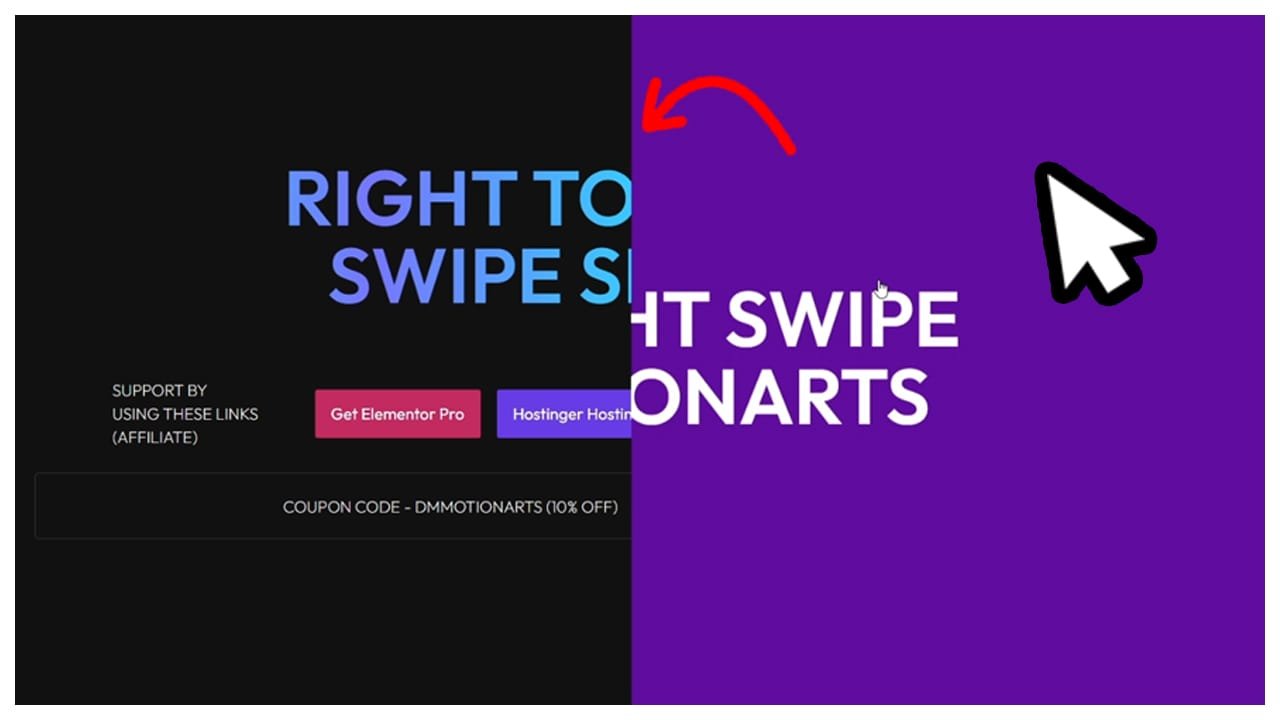
In this tutorial, we will use swipe effect to switch our content to different slides.
Image Scrubber Code
- dm-swiping-container is the CSS class of the main container/div that will contain all our slides.
- dm-swiping-slide is the CSS class of our containers/div that will be slides.
- Below are 2nd CSS class added to our dm-swiping-slide for swipe effects.
- dm-rl-swipe = right to left swipe effect
- dm-lr-swipe = left to right swipe effect
- dm-tb-swipe = top to bottom swipe effect
- dm-bt-swipe = bottom to top swipe effect
- dm-zoom-swipe = zoom swipe effect
					<style>

 .dm-swiping-container {

     transition: none !important;
 }

  .dm-swiping-slide {
    position: absolute;
    inset: 0;
    width: 100%;
    height: 100%;

    transition: none !important;

  }

  .dm-rl-swipe {

      clip-path: polygon(
      100% 0%,
      100% 0%,
      100% 100%,
      100% 100%
    );

  }

  .dm-lr-swipe {

      clip-path: polygon(0% 0%, 0% 0%, 0% 100%, 0% 100%);


  }

  .dm-tb-swipe {

      clip-path: polygon(0% 0%, 100% 0%, 100% 0%, 0% 0%);


  }

  .dm-bt-swipe {

      clip-path: polygon(0% 100%, 100% 100%, 100% 100%, 0% 100%);


  }

  .dm-zoom-swipe {

      clip-path: polygon(50% 50%, 50% 50%, 50% 50%, 50% 50%);

  }


  .dm-swiping-slide:first-child {
    clip-path: polygon(
      0% 0%,
      100% 0%,
      100% 100%,
      0% 100%
    );
  }

</style>

<script src="https://cdnjs.cloudflare.com/ajax/libs/gsap/3.15.0/gsap.min.js" integrity="sha512-oJ8QbaQThQoJZ7oEv+29jfPM6CcP+zUxh3PKJs1vyOhx0UraUrE7PQgeItu3dOuCJyrzWpoYMsVjkkPEBzbUqw==" crossorigin="anonymous" referrerpolicy="no-referrer"></script>
<script src="https://cdnjs.cloudflare.com/ajax/libs/gsap/3.15.0/ScrollTrigger.min.js" integrity="sh  a512-OaIE7ud4P04EhnBuhEcm0wQSceIxbi2pV03oBLS/+F6ampfxsnxcIxOp7H2eF9G7N0kEht0VAzOLG+dTLSo17Q==" crossorigin="anonymous" referrerpolicy="no-referrer"></script>

<script>

document.addEventListener("DOMContentLoaded", (event) => {

window.addEventListener("load", (event) => {


  gsap.registerPlugin(ScrollTrigger);

  const container = document.querySelector(".dm-swiping-container");
  const slides = gsap.utils.toArray(".dm-swiping-slide");

  const tl = gsap.timeline({
    scrollTrigger: {
      trigger: container,
      start: "top top",
      end: `+=${slides.length * 100}%`,
      pin: true,
      scrub: 1,
      anticipatePin: 1,

      snap: {

      snapTo: 1 / (slides.length - 1),
      duration: { min: 0.2, max: 0.5 },
      delay: 0.1,
      ease: "power1.inOut"
    }

    }
  });

  slides.forEach((slide, index) => {
    if (index === 0) return;

    tl.to(slide, {
      clipPath: "polygon(0% 0%, 100% 0%, 100% 100%, 0% 100%)",
      ease: "none",
      duration: 1

    });
  });

});
});
</script>