
(This page includes affiliate links. If you click and purchase, I receive a small commission at no extra cost from you and that way you can support me. I only recommend tools that I have personally used and loved.)
Tutorial Video:
Don’t want to make from scratch? Get the template instead 🙂
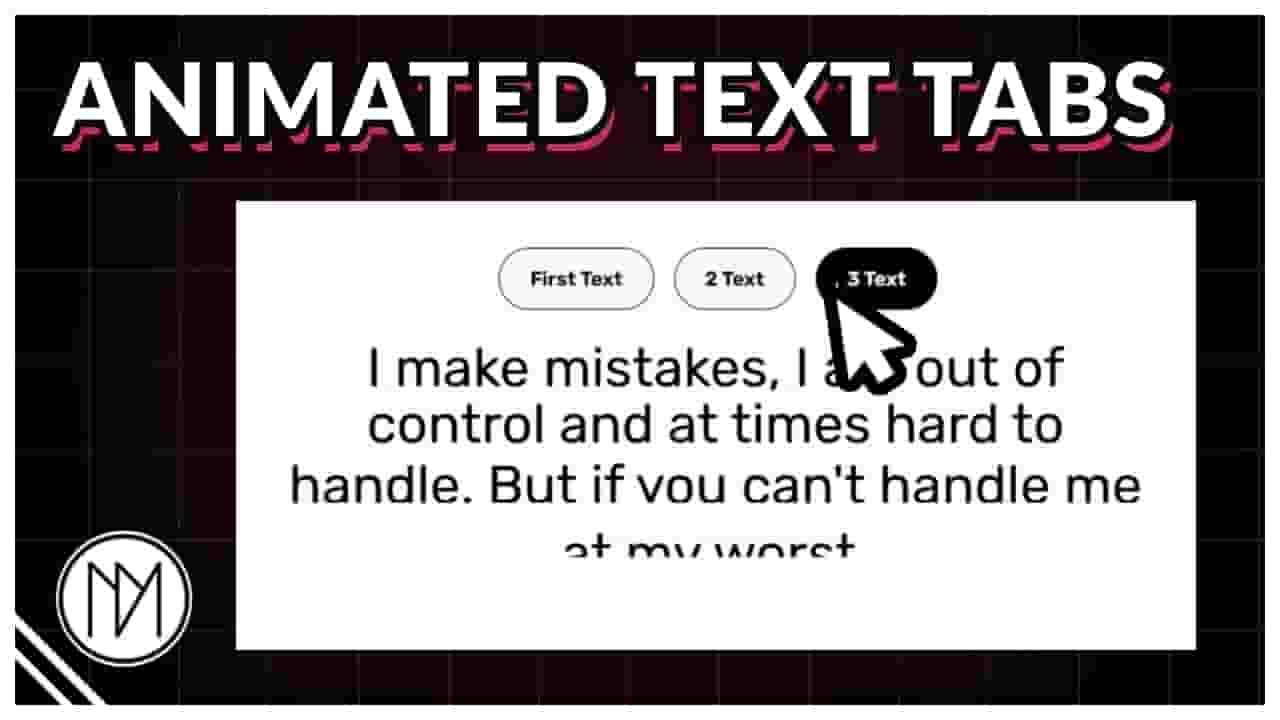
Introduction – Tabs that switch text line by line animation using GSAP
In this tutorial, we will create an amazing text switcher which replaces it lines in place. You can add anything in the top tabs containers.
Support by
using these links
(Affiliate)
COUPON CODE - DMmotionarts (10% off)
Title Tab
Text 2

You can easily add any amount of text and it will work perfectly. You can also add any widget inside the top tab containers.
Watch youtube tutorial video to understand it in detail and how to customize.
Consider using my affiliate links to support me. Sharing my videos and liking them also helps. Thank you.
1 – Animated Tab Text Switcher Code
- dm-switch-tab is the CSS class of the tab containers.
- dm-switch-tab-title is the CSS class of the heading widget inside tab container.
- dm-switch-text is the CSS class of the texts that will be switching when tabs are clicked.
					<!--Remove below if you are already loading gsap-->

<script src="https://cdnjs.cloudflare.com/ajax/libs/gsap/3.13.0/gsap.min.js" integrity="sha512-NcZdtrT77bJr4STcmsGAESr06BYGE8woZdSdEgqnpyqac7sugNO+Tr4bGwGF3MsnEkGKhU2KL2xh6Ec+BqsaHA==" crossorigin="anonymous" referrerpolicy="no-referrer"></script>

<!-- Remove below if you are already loading GSAP SplitText -->

<script src="https://cdnjs.cloudflare.com/ajax/libs/gsap/3.13.0/SplitText.min.js" integrity="sha512-wOeEC+9qERAzhliwBFPDb6t8TiFFxdxG8vhK/Ygs7TuC44bpg8pg/X2/U/u+0X4fK05wb9id1EIipnF02+CFQw==" crossorigin="anonymous" referrerpolicy="no-referrer"></script>


<style>

     /*Default Tab*/

    .dm-switch-tab {

        border:1px solid black;
        border-radius: 50px;
        background: #FAFAFA;
        cursor: pointer;

    }

    .dm-switch-tab-title .elementor-heading-title{

        color:black;
    }

    /*Hover Tab*/

    .dm-switch-tab:hover {

        background:black;

    }

    .dm-switch-tab:hover .dm-switch-tab-title .elementor-heading-title {

        color:white;
    }


    /*Active Tab*/

    .dm-switch-tab.dmActive {

        background:black;

    }

    .dm-switch-tab.dmActive .dm-switch-tab-title .elementor-heading-title {

        color:white;
    }

    .dm-switch-text .lineWrapper {

        overflow: hidden;
    }

</style>


<script>

document.addEventListener("DOMContentLoaded", (event) => {

gsap.registerPlugin(SplitText);

const dmSwitchTabsTexts = document.querySelectorAll(
    '.dm-switch-text .elementor-heading-title'
);

const dmSwitchTabs = document.querySelectorAll('.dm-switch-tab');

const splits = [];

// Split all text into lines and wrap each line
dmSwitchTabsTexts.forEach((text, index) => {

    const split = SplitText.create(text, {
        type: "lines",
        linesClass: "line"
    });

    splits.push(split);

    split.lines.forEach(line => {

        const wrapper = document.createElement('div');
        wrapper.classList.add('lineWrapper');

        line.parentNode.insertBefore(wrapper, line);
        wrapper.appendChild(line);

    });

});

// Initial positions
splits.forEach((split, index) => {

    gsap.set(split.lines, {
        y: index === 0 ? 0 : 150
    });

});

// First tab active
dmSwitchTabs[0].classList.add('dmActive');

let activeIndex = 0;
let isAnimating = false;

dmSwitchTabs.forEach((tab, index) => {

    tab.addEventListener('click', () => {

        if (index === activeIndex || isAnimating) return;

        isAnimating = true;

        dmSwitchTabs.forEach(tab2 => {
            tab2.classList.remove('dmActive');
        });

        tab.classList.add('dmActive');

        const tl = gsap.timeline({
            onComplete: () => {

                activeIndex = index;
                isAnimating = false;

            }
        });

        // Hide current text
        tl.to(splits[activeIndex].lines, {
            y: 110,
            duration: 0.5,
            stagger: 0.05,
            ease: "power2.in"
        });

        // Reveal new text
        tl.to(splits[index].lines, {
            y: 0,
            duration: 0.6,
            stagger: 0.08,
            ease: "power3.out"
        },"-=0.3");

    });

});

});

</script>