
(This page includes affiliate links. If you click and purchase, I receive a small commission at no extra cost from you and that way you can support me. I only recommend tools that I have personally used and loved.)
Tutorial Video:
Introduction – Switch Image with your cursor movement – Image scrubber
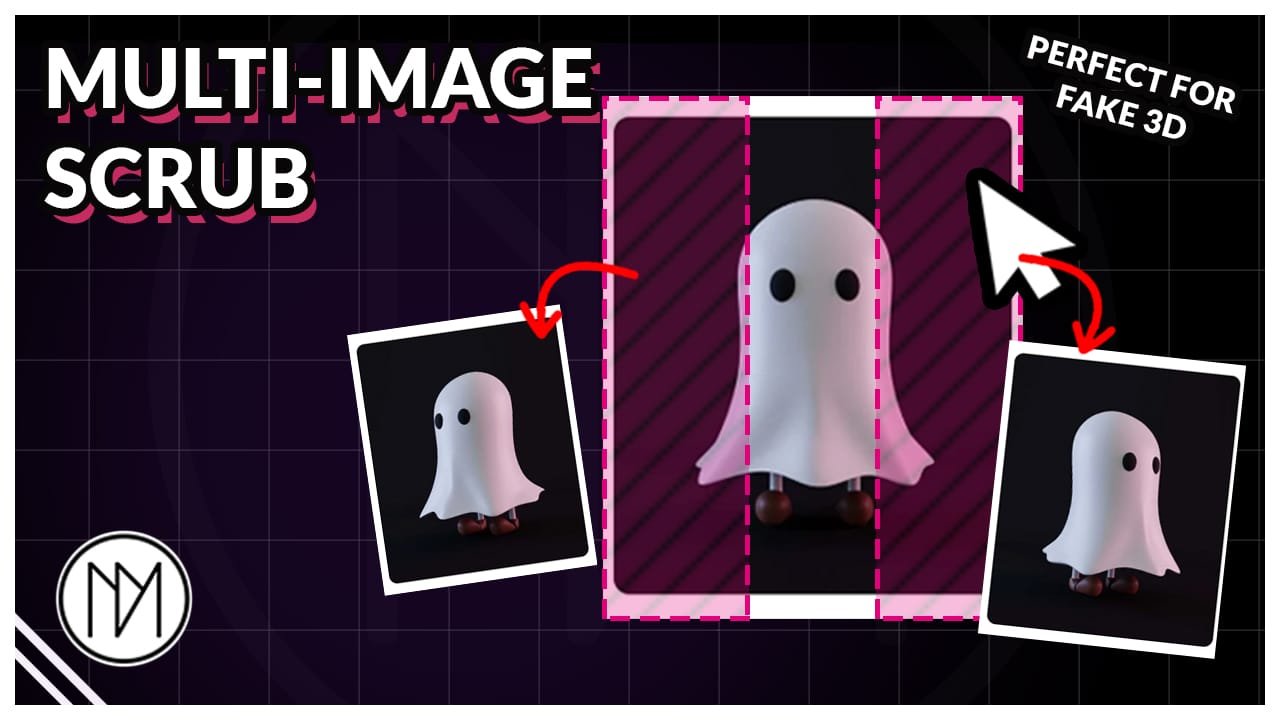
In this tutorial, we will create image that switches as we move our cursor in X direction on hover.


Image Scrubber Code
- dm-scrubber is the CSS class of the container/div that has all images and arrow icons.
- dm-scrubber-img is the CSS class of the images.
- dm-scrubber-left-arrow and dm-scrubber-right-arrow are CSS classes of the elements that can be used to switch the images with click. Useful for touch devices, so make it visible only for mobile/tablet.
					<style>

.dm-scrubber {
  cursor: pointer;
}

.dm-scrubber-img {
  position: absolute;
  inset: 0;
  width: 100%;
  height: 100%;

  opacity: 0;
  pointer-events: none;
  transition: opacity 0s ease;
}

.dm-scrubber-img.active {
  opacity: 1;
}

.dm-scrubber-left-arrow,
.dm-scrubber-right-arrow {
  cursor: pointer;
}

</style>

<script>

document.addEventListener("DOMContentLoaded", (event) => {


document.querySelectorAll(".dm-scrubber").forEach((container) => {

  const images = container.querySelectorAll(".dm-scrubber-img");
  const leftArrow = container.querySelector(".dm-scrubber-left-arrow");
  const rightArrow = container.querySelector(".dm-scrubber-right-arrow");

  let currentIndex = 0;

  function showImage(index) {
    currentIndex = (index + images.length) % images.length;

    images.forEach((img, i) => {
      img.classList.toggle("active", i === currentIndex);
    });
  }

  // Mouse scrub
  container.addEventListener("mousemove", (e) => {

    // Ignore mouse movement over the arrows
    if (
      e.target.closest(".dm-scrubber-left-arrow") ||
      e.target.closest(".dm-scrubber-right-arrow")
    ) {
      return;
    }

    const rect = container.getBoundingClientRect();

    // Mouse position from 0 → 1
    const x = (e.clientX - rect.left) / rect.width;

    // Divide container into equal sections
    const index = Math.min(
      images.length - 1,
      Math.floor(x * images.length)
    );

    showImage(index);

  });

  // Left arrow
  if (leftArrow) {
    leftArrow.addEventListener("click", (e) => {
      e.preventDefault();
      e.stopPropagation();

      showImage(currentIndex - 1);
    });
  }

  // Right arrow
  if (rightArrow) {
    rightArrow.addEventListener("click", (e) => {
      e.preventDefault();
      e.stopPropagation();

      showImage(currentIndex + 1);
    });
  }

  // Show first image initially
  showImage(0);

});

});

</script>