(This page includes affiliate links. If you click and purchase, I receive a small commission at no extra cost from you and that way you can support me. I only recommend tools that I have personally used and loved.)
Tutorial Video:
Don’t want to make from scratch? Get the template instead 🙂
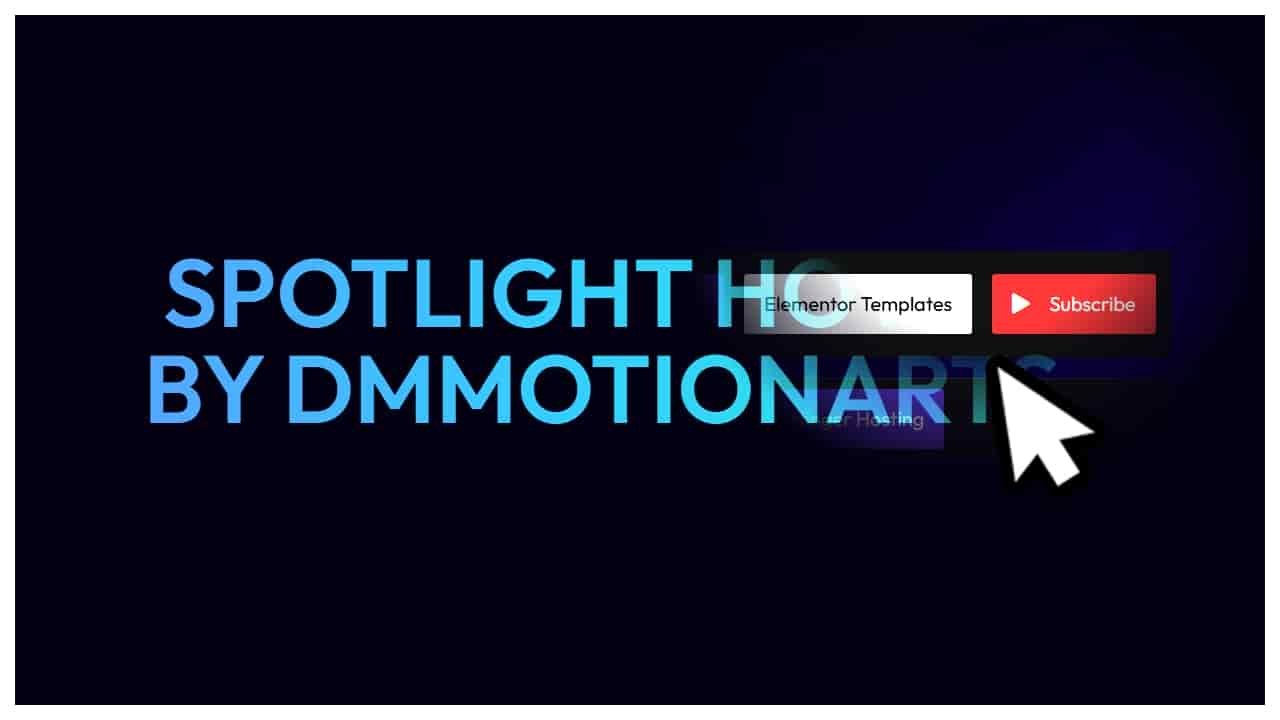
Introduction – Spotlight Reveal Effect that Follow Cursor in Elementor
In this tutorial, we have two reveal effects. First one uses a simple sphere reveal. In second one, we can use any svg mask.
Support by
using these links
(Affiliate)
COUPON CODE - DMmotionarts (10% off)
Support by
using these links
(Affiliate)
COUPON CODE - DMmotionarts (10% off)
Spotlight Hover
by DMmotionarts
For Below: Make sure to replace svg url with your svg website url.
If not changed, the mask is dependent on my website.
If my website is down or moved then it will stop working for you too.
So just change url to your uploaded svg.
Support by
using these links
(Affiliate)
COUPON CODE - DMmotionarts (10% off)
Spotlight Hover
by DMmotionarts
1 – Simple Spotlight Reveal Code
- dm-spotlight-wrapper is the CSS class of the main container.
- dm-spotlight-revealer is the CSS class of the front container. It is given position absolute and full height.
- Change mask-image gradient values to control edge smoothness.
- For all controls and customization, please watch the first video above.
					<style>

.dm-spotlight-revealer {

    --dm-mouse-x: 50%;
    --dm-mouse-y: 50%;

    /* To change size go below in code */
    --dm-spotlight-size: 0px;

    mask-image: radial-gradient(
        circle var(--dm-spotlight-size) at var(--dm-mouse-x) var(--dm-mouse-y),
        transparent 0%,
        transparent 50%,
        black 100%
    );

    -webkit-mask-image: radial-gradient(
        circle var(--dm-spotlight-size) at var(--dm-mouse-x) var(--dm-mouse-y),
        transparent 0%,
        transparent 50%,
        black 100%
    );

}

</style>

<script>

window.addEventListener('load', () => {

    const dmMask = document.querySelector('.dm-spotlight-revealer');
    const dmMaskWrapper = document.querySelector('.dm-spotlight-wrapper');

    let dmTargetX = 0;
    let dmTargetY = 0;

    let dmCurrentX = 0;
    let dmCurrentY = 0;

    let dmSpotlightSize = 0;

    //Set initial size here

    let dmTargetSpotlightSize;

    if (window.innerWidth <= 767) {

        // Mobile
            dmTargetSpotlightSize = 0;

        } else if (window.innerWidth <= 1024) {

            // Tablet
            dmTargetSpotlightSize = 0;

        } else {

            // Desktop
            dmTargetSpotlightSize = 0;

        }

    // Follow Delay
    const dmFollowDelay = 0.08;


    function dmSetHomePosition() {

        const dmRect = dmMaskWrapper.getBoundingClientRect();

        // Center Center
        dmTargetX = dmRect.width / 2;
        dmTargetY = dmRect.height / 2;

        // Top Center
        // dmTargetX = dmRect.width / 2;
        // dmTargetY = 0;

        // Top Left
        // dmTargetX = 0;
        // dmTargetY = 0;

    }


    // Initial setup
    dmSetHomePosition();

    dmCurrentX = dmTargetX;
    dmCurrentY = dmTargetY;

    dmMask.style.setProperty('--dm-mouse-x', `${dmCurrentX}px`);
    dmMask.style.setProperty('--dm-mouse-y', `${dmCurrentY}px`);

    dmMaskWrapper.addEventListener('mouseenter', () => {

        // Spotlight Size Active

        if (window.innerWidth <= 767) {

        // Mobile
            dmTargetSpotlightSize = 300;

        } else if (window.innerWidth <= 1024) {

            // Tablet
            dmTargetSpotlightSize = 300;

        } else {

            // Desktop
            dmTargetSpotlightSize = 300;

        }

        setTimeout(() => {
            dmMask.style.pointerEvents = "none";
        }, 100);

    });

    dmMaskWrapper.addEventListener('mousemove', (e) => {

        const dmRect = dmMaskWrapper.getBoundingClientRect();

        dmTargetX = e.clientX - dmRect.left;
        dmTargetY = e.clientY - dmRect.top;

    });

    dmMaskWrapper.addEventListener('mouseleave', () => {

        dmMask.style.pointerEvents = "auto";

        // Spotlight Size Inactive
        if (window.innerWidth <= 767) {

        // Mobile
            dmTargetSpotlightSize = 0;

        } else if (window.innerWidth <= 1024) {

            // Tablet
            dmTargetSpotlightSize = 0;

        } else {

            // Desktop
            dmTargetSpotlightSize = 0;

        }

        // Uncomment if you want the spotlight to return home
        // dmSetHomePosition();

    });

    window.addEventListener('resize', () => {

        dmSetHomePosition();

        dmCurrentX = dmTargetX;
        dmCurrentY = dmTargetY;

    });

    function dmAnimateSpotlight() {

        dmCurrentX += (dmTargetX - dmCurrentX) * dmFollowDelay;
        dmCurrentY += (dmTargetY - dmCurrentY) * dmFollowDelay;

        dmMask.style.setProperty('--dm-mouse-x', `${dmCurrentX}px`);
        dmMask.style.setProperty('--dm-mouse-y', `${dmCurrentY}px`);

        // Change 0.1 to your desired speed for size change
        dmSpotlightSize += (dmTargetSpotlightSize - dmSpotlightSize) * 0.1;

        dmMask.style.setProperty(
            '--dm-spotlight-size',
            `${dmSpotlightSize}px`
        );

        requestAnimationFrame(dmAnimateSpotlight);

    }

    dmAnimateSpotlight();

});

</script>
2 – SVG Mask Spotlight Reveal Code
- dm-spotlight-wrapper2 is the CSS class of the main container.
- dm-spotlight-revealer2 is the CSS class of the front container. It is given position absolute and full height.
- dm-mask-size-reader2 is the CSS class of an empty container inside our wrapper. This is only used to calculate size. It is hidden by default.
- Make sure to change the svg url at mask-image and webkit-mask-image in code to your own url.
- For all controls and customization, please watch the second video above.
					<style>

    :root {

    --dm-mask-size-2: 200vw;
    }

    /*Tablet*/

    @media(max-width:1024px) {

    :root {

    --dm-mask-size-2: 500vw;

    }

    }

    /*Mobile*/

    @media(max-width:767px) {

      :root {

    --dm-mask-size-2: 800vw;
    }

    }


.dm-spotlight-revealer2 {

    --dm-mouse-x2: 50%;
    --dm-mouse-y2: 50%;

    mask-image: url("https://dmmotionarts.com/wp-content/uploads/2026/07/Star-Inverted-with-huge-background-2.svg");
    -webkit-mask-image: url("https://dmmotionarts.com/wp-content/uploads/2026/07/Star-Inverted-with-huge-background-2.svg");

    mask-repeat: no-repeat;
    -webkit-mask-repeat: no-repeat;

    mask-size: var(--dm-mask-size-2) var(--dm-mask-size-2);
    -webkit-mask-size: var(--dm-mask-size-2) var(--dm-mask-size-2);

    mask-position: var(--dm-mouse-x2) var(--dm-mouse-y2);
    -webkit-mask-position: var(--dm-mouse-x2) var(--dm-mouse-y2);

}

 .dm-mask-size-reader2 {

    position: absolute;
    visibility: hidden;
    pointer-events: none;

    width: var(--dm-mask-size-2);
    height: 0;

}

</style>

<script>

window.addEventListener('load', () => {

    const dmMask2 = document.querySelector('.dm-spotlight-revealer2');
    const dmMaskWrapper2 = document.querySelector('.dm-spotlight-wrapper2');
    const dmMaskSizeReader2 = document.querySelector('.dm-mask-size-reader2');

    let dmMaskSize2 = 0;

    // Target position
    let dmTargetX2 = 0;
    let dmTargetY2 = 0;

    // Current position
    let dmCurrentX2 = 0;
    let dmCurrentY2 = 0;

    // Follow Delay
    const dmFollowDelay2 = 0.08;

    function dmUpdateMaskSize2() {

        dmMaskSize2 = dmMaskSizeReader2.getBoundingClientRect().width;

    }

    function dmSetHomePosition2() {

        const dmRect2 = dmMaskWrapper2.getBoundingClientRect();

        // Center Center
        // dmTargetX2 = (dmRect2.width - dmMaskSize2) / 2;
        // dmTargetY2 = (dmRect2.height - dmMaskSize2) / 2;

        // Top Center
        dmTargetX2 = (dmRect2.width - dmMaskSize2) / 2;
        dmTargetY2 = -(dmMaskSize2 / 2);

        // Top Left
        // dmTargetX2 = -(dmMaskSize2 / 2);
        // dmTargetY2 = -(dmMaskSize2 / 2);

    }

    // Initial setup
    dmUpdateMaskSize2();
    dmSetHomePosition2();

    dmCurrentX2 = dmTargetX2;
    dmCurrentY2 = dmTargetY2;

    dmMask2.style.setProperty('--dm-mouse-x2', `${dmCurrentX2}px`);
    dmMask2.style.setProperty('--dm-mouse-y2', `${dmCurrentY2}px`);

     dmMaskWrapper2.addEventListener('mouseenter', () => {

        setTimeout(() => {
            dmMask2.style.pointerEvents = "none";
        }, 100);

    });

    dmMaskWrapper2.addEventListener('mousemove', (e) => {

        const dmRect2 = dmMaskWrapper2.getBoundingClientRect();

        dmTargetX2 = e.clientX - dmRect2.left - (dmMaskSize2 / 2);
        dmTargetY2 = e.clientY - dmRect2.top - (dmMaskSize2 / 2);

    });

    dmMaskWrapper2.addEventListener('mouseleave', () => {

        dmSetHomePosition2();
        dmMask2.style.pointerEvents = "auto";

    });

    window.addEventListener('resize', () => {

        dmUpdateMaskSize2();
        dmSetHomePosition2();

        dmCurrentX2 = dmTargetX2;
        dmCurrentY2 = dmTargetY2;

    });

    function dmAnimateSpotlight2() {

        dmCurrentX2 += (dmTargetX2 - dmCurrentX2) * dmFollowDelay2;
        dmCurrentY2 += (dmTargetY2 - dmCurrentY2) * dmFollowDelay2;

        dmMask2.style.setProperty('--dm-mouse-x2', `${dmCurrentX2}px`);
        dmMask2.style.setProperty('--dm-mouse-y2', `${dmCurrentY2}px`);

        requestAnimationFrame(dmAnimateSpotlight2);

    }

    dmAnimateSpotlight2();

});

</script>