
Tutorial Video:
Don’t want to make from scratch? Get the template instead 🙂


Introduction – Tab and Content Switcher with Elementor
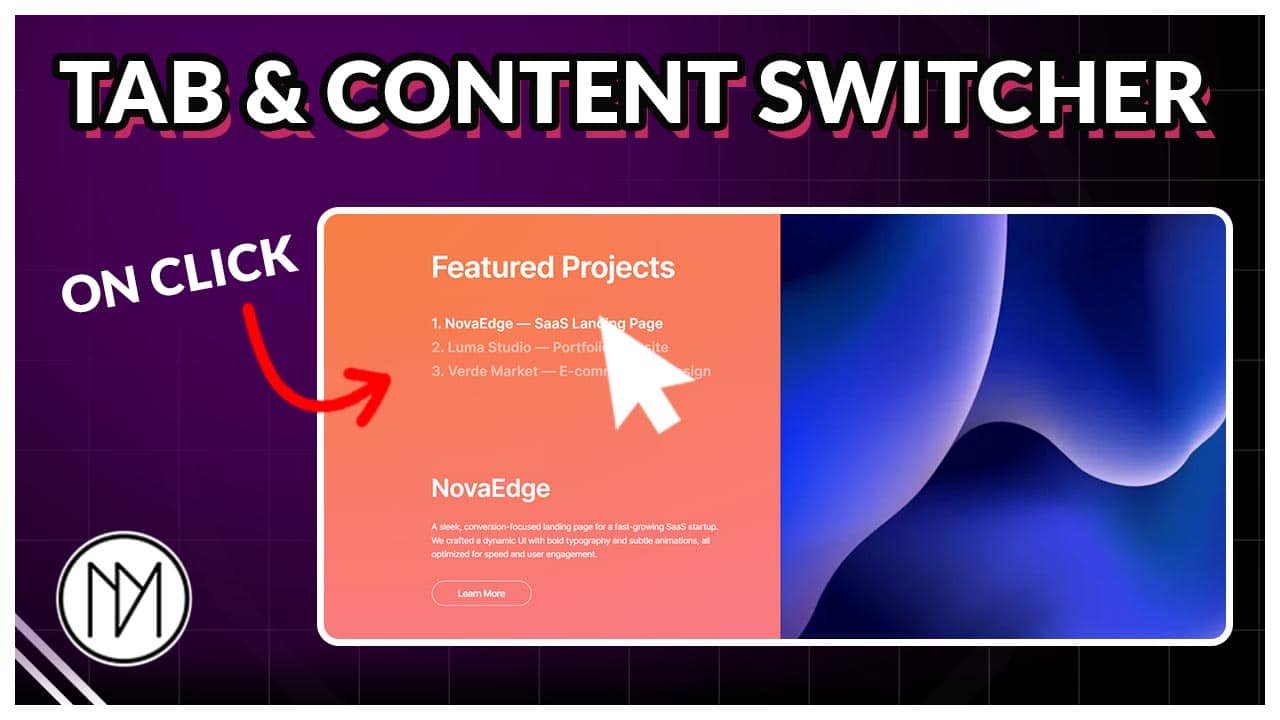
In this tutorial, we will create tabs that on click switches the image on right and also you can add content in it.
Featured Projects
1. NovaEdge — SaaS Landing Page
2. Luma Studio — Portfolio Website
3. Verde Market — E-commerce Redesign
NovaEdge
A sleek, conversion-focused landing page for a fast-growing SaaS startup. We crafted a dynamic UI with bold typography and subtle animations, all optimized for speed and user engagement.
Learn More
Luma Studio
A minimalist portfolio site for a creative agency, showcasing their work with an elegant grid layout, smooth scroll interactions, and a responsive, mobile-first approach.
Learn More
Verde Market
A full-scale UI/UX overhaul for an eco-conscious online store. We streamlined the user journey, introduced a fresh brand aesthetic, and boosted conversions through intuitive product navigation and checkout flow.
Learn More



Tabs and Content Switcher Code
- dm-tab-title is the CSS class of the titles that are clickable.
- dm-tab-title.dmActive – dmActive is added only on active tabs automatically.
- dm-tab-content is the CSS class of the smaller content container.
- dm-right-tab-img is the CSS class of the right container that has images. Content can also be added in right container.
- dm-tab-heading, dm-tab-paragraph and dm-tab-btn are the CSS classes added to the heading, paragraph and button respectively.
- To understand customization, please watch the above video.
					<style>

    .dm-tab-title {

        cursor: pointer;
        opacity:0.5;
        transition: opacity 0.3s;
    }

    .dm-tab-title.dmActive {

       opacity:1;
        transition: opacity 0.3s;
    }

    .dm-tab-content {

        display: none;

    }

    .dm-tab-content.active {

        display: flex;
    }


    /*Image Scale Animation*/

    .dm-right-tab-img {

        display: none;

    }

    .dm-right-tab-img.dmActive {

        display: block;
        animation: dmScaleIn 0.5s forwards;

    }

    @keyframes dmScaleIn {

        from {

            scale:1;
        }

        to {

            scale:1.1;
        }
    }

  /*Content animation*/

  .dm-tab-content.active .dm-tab-heading {

      animation: dmAnimTabContent 0.5s ease forwards;

  }

  .dm-tab-content.active .dm-tab-paragraph {

       animation: dmAnimTabContent 0.5s ease forwards;
       animation-delay: 0.1s;

  }

  .dm-tab-content.active .dm-tab-btn {

       animation: dmAnimTabContent 0.5s ease forwards;
       animation-delay: 0.2s;

  }

  @keyframes dmAnimTabContent {

      from {

        opacity: 0;
        transform: translateY(100px);

      }

      to {

        opacity: 1;
        transform: translateY(0px);

      }

  }


</style>

<script>
document.addEventListener("DOMContentLoaded", function () {
    const dmTabTitles = document.querySelectorAll('.dm-tab-title');
    const dmTabContents = document.querySelectorAll('.dm-tab-content');
    const dmRightTabImgs = document.querySelectorAll('.dm-right-tab-img');

    dmTabTitles.forEach((dmTab, dmIndex) => {
        dmTab.addEventListener('click', () => {
            // Remove .active from all tab contents
            dmTabContents.forEach(dmContent => dmContent.classList.remove('active'));

            // Remove .dmActive from all images
            dmRightTabImgs.forEach(img => img.classList.remove('dmActive'));

            // Remove .dmActive from all titles
            dmTabTitles.forEach(titleElem => titleElem.classList.remove('dmActive'));

            // Add .dmActive to the selected tab Title
            if (dmTabTitles[dmIndex]) {
                dmTabTitles[dmIndex].classList.add('dmActive');
            }

            // Add .active to the selected tab content
            if (dmTabContents[dmIndex]) {
                dmTabContents[dmIndex].classList.add('active');
            }

            // Add .dmActive to the matching image
            if (dmRightTabImgs[dmIndex]) {
                dmRightTabImgs[dmIndex].classList.add('dmActive');
            }
        });
    });
});
</script>