
(This page includes affiliate links. If you click and purchase, I receive a small commission at no extra cost from you and that way you can support me. I only recommend tools that I have personally used and loved.)
Tutorial Video:
Don’t want to make from scratch? Get the template instead 🙂

Introduction – Button Fill with Elementor and javascript
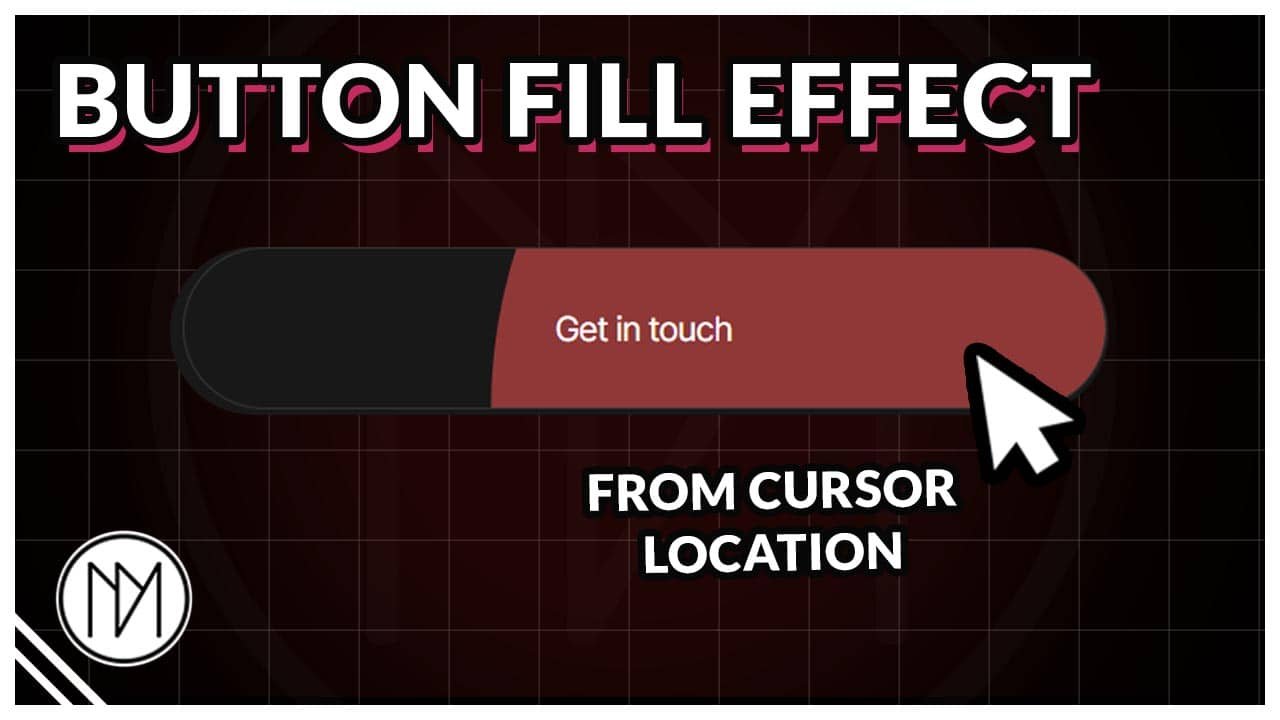
In this tutorial, we will create button that fill up with color from the cursor location on hover. You can use it on any number of buttons in the same page.
LET'S BUILD SOMETHING GREAT TOGETHER
Get in touch
Button Fill Hover Effect Code
- dm-interactive-btn is the CSS class of the container that is going to be our button. This container can include text or any other widget.
- dm-interactive-btn-circle is the CSS class of the inner circle container. This container expands to fill up and make the button look like it’s filling up.
- dm-interactive-btn-text is the CSS class of the text inside button. This is needed to change the text color on hover.
- dm-interactive-btn-arrow is optional CSS class that is added to icon (example:arrow) that rotates a bit on hover.
					<style>

    /*Button Background*/

    .dm-interactive-btn .dm-interactive-btn-circle {

        --interactive-circle-transition: 1s;

        aspect-ratio: 1;
        width: 0%;
        opacity: 0;
        pointer-events: none;
        transition: width var(--interactive-circle-transition), opacity var(--interactive-circle-transition);
        transform: translate(-50%, -50%);

    }

    .dm-interactive-btn:hover .dm-interactive-btn-circle {

      width: 200%;
      opacity: 1;

      transition: width var(--interactive-circle-transition), opacity 0s;
    }

    /*Text color default and hover*/

    .dm-interactive-btn-text .elementor-heading-title{

        color:white !important;
        transition: color 0.5s;

    }

    .dm-interactive-btn:hover .dm-interactive-btn-text .elementor-heading-title{

        color:white !important;
        transition: color 0.5s;

    }

    /*Arrow Icon Animation on Hover*/

    .dm-interactive-btn-arrow {

        transition: 0.3s !important;

    }

    .dm-interactive-btn:hover .dm-interactive-btn-arrow {

        rotate:-30deg;

    }

</style>

<script>
document.addEventListener('DOMContentLoaded', () => {
    const dmBtns = document.querySelectorAll('.dm-interactive-btn');

    dmBtns.forEach(dmBtn => {
        const dmCircle = dmBtn.querySelector('.dm-interactive-btn-circle');

        dmBtn.addEventListener('mouseenter', e => {
            const rect = dmBtn.getBoundingClientRect();
            const x = e.clientX - rect.left;
            const y = e.clientY - rect.top;

            dmCircle.style.left = `${x}px`;
            dmCircle.style.top = `${y}px`;
        });

    });
});
</script>


